English
 British English
 Español
 Español (Latinoamérica)
 Français
 日本語
日本語 Português (Portugal)
 Català
 Valencià
 Arpetan
 Deutsch
 Italiano
 Suomi
Suomi Русский
 Tiếng Việt
 Türkçe
 Magyar
 한국어
한국어
Let Them Eat Food


If you have not done so already, visit the releases page and download the correct linker for your operating system.
Simply download the Windows release (onefile or zip) of your choosing, and open the exe!
Download the macOS release for your Mac (x64 for Intel, arm64 for Apple Silicon), and extract it. Then, launch Terminal. Type in
xattr -d com.apple.quarantine
with a trailing space, drag the linker app file into the terminal, and press enter. After this, you can just right click the app file and choose Open!
Download the Linux release for your computer’s architecture and extract it. Then, open a terminal, and use cd to change to the directory you extracted the linker to.
chmod +x JustEatLinker
./JustEatLinker
qt.qpa.plugin: Could not load the Qt platform plugin "xcb" in "" even though it was found.
You can resolve this by running sudo apt install libxcb-cursor-dev.
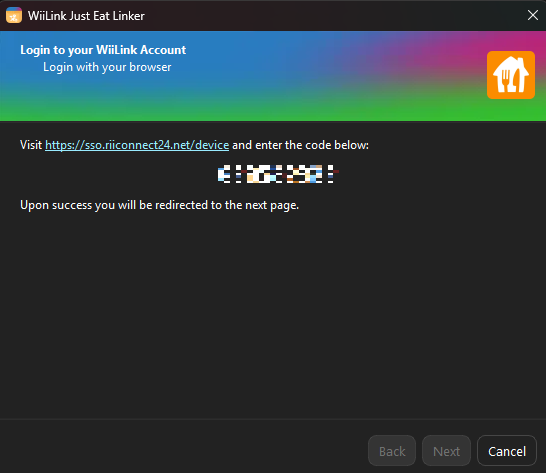
Choose the Wii Number you would like to link your Just Eat account to, and choose the country you reside in.
Log into your Just Eat account using the pop-up the linker opened for you.
333400 error.
Order, and complete your order, following the on-screen instructions.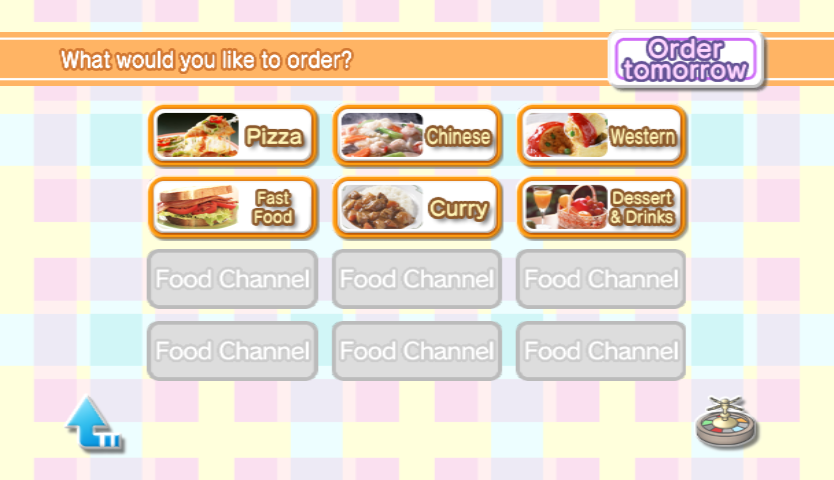
To use the linker, you need Chromium, Google Chrome, or Microsoft Edge installed. We recommend fixing this issue by installing Google Chrome. If this problem persits, join the WiiLink Discord server, or the WiiLink Forum for support.




 WFC
WFC